Welcome to Our Blog
By Admin • June 25, 2025
•
#welcome
#tutorial
This is our first blog post that demonstrates all the features you can use in your articles
Welcome to Our Blog!
This is an example blog post that shows you how to use all the features available in our blog system.
Adding Headers
You can use different levels of headers:
-
H1 (though prefer using the title property)
-
H2
-
H3
-
H4
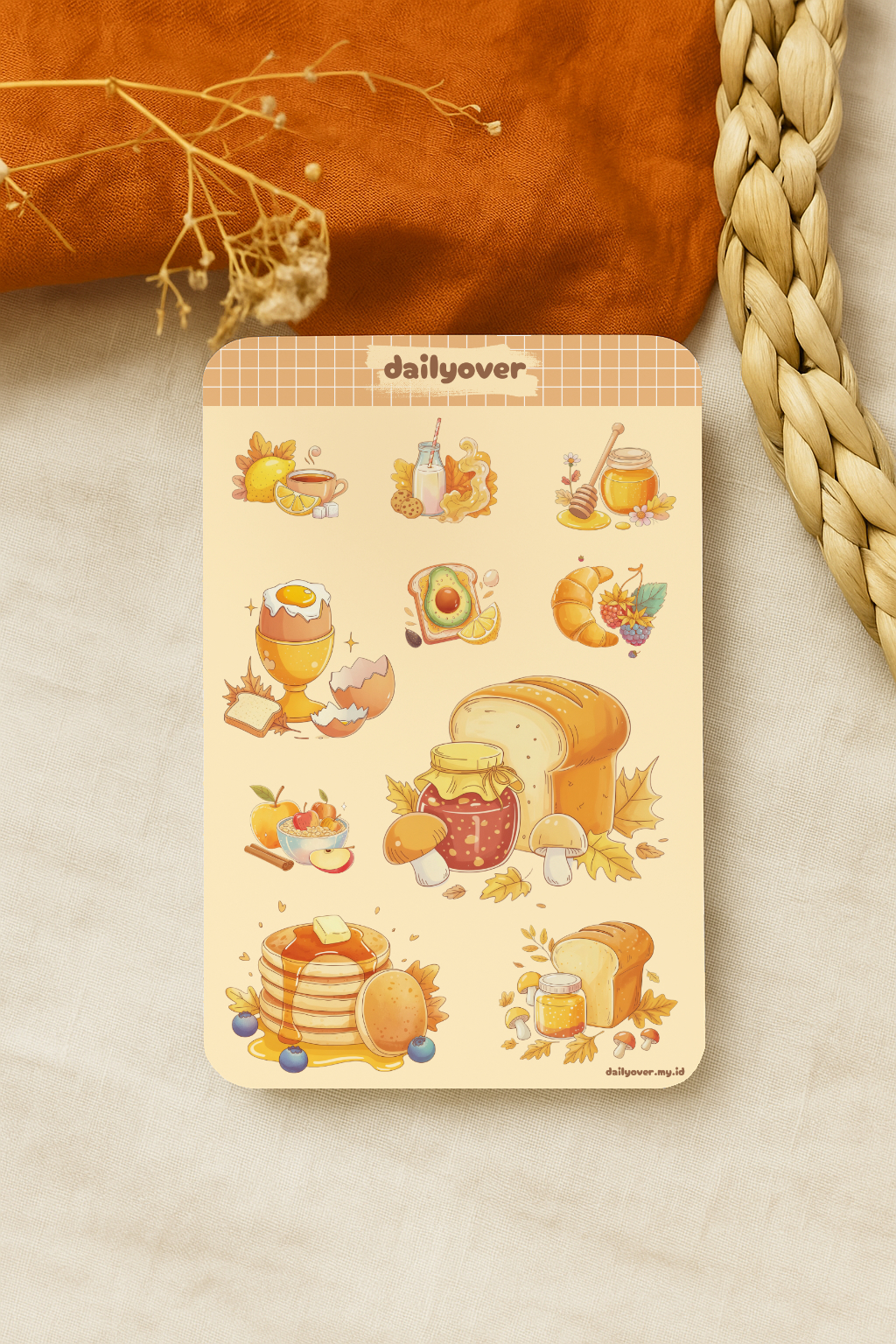
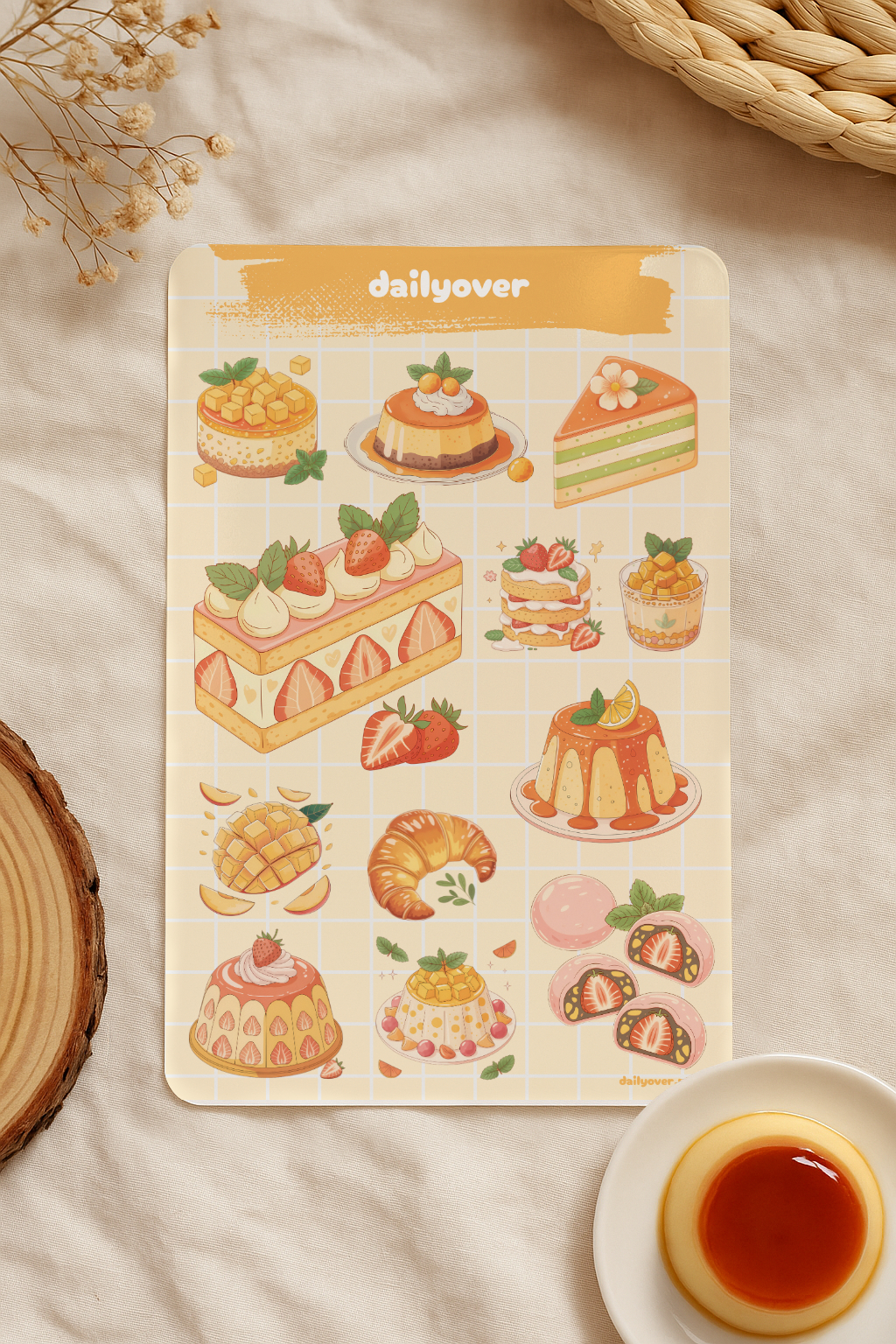
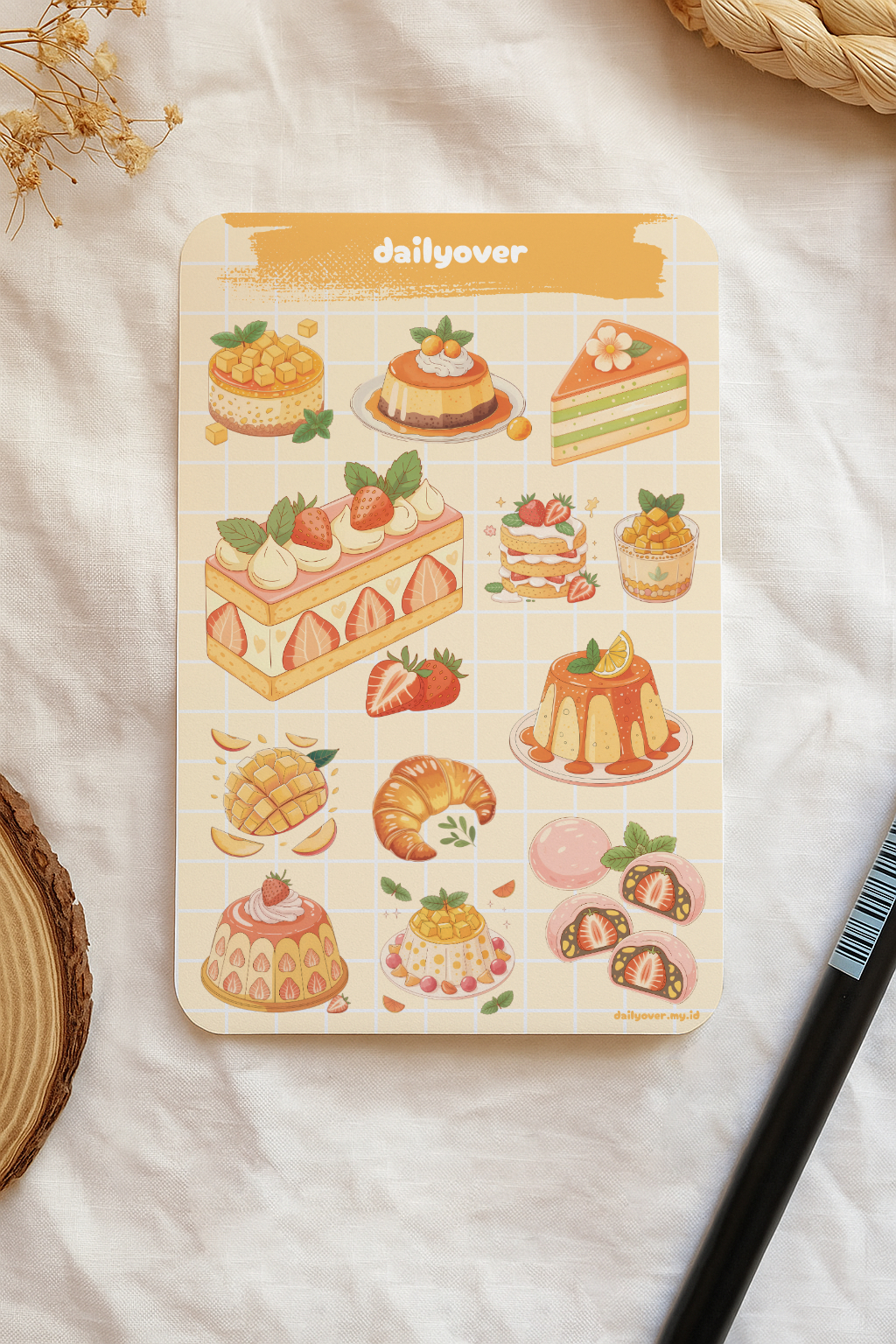
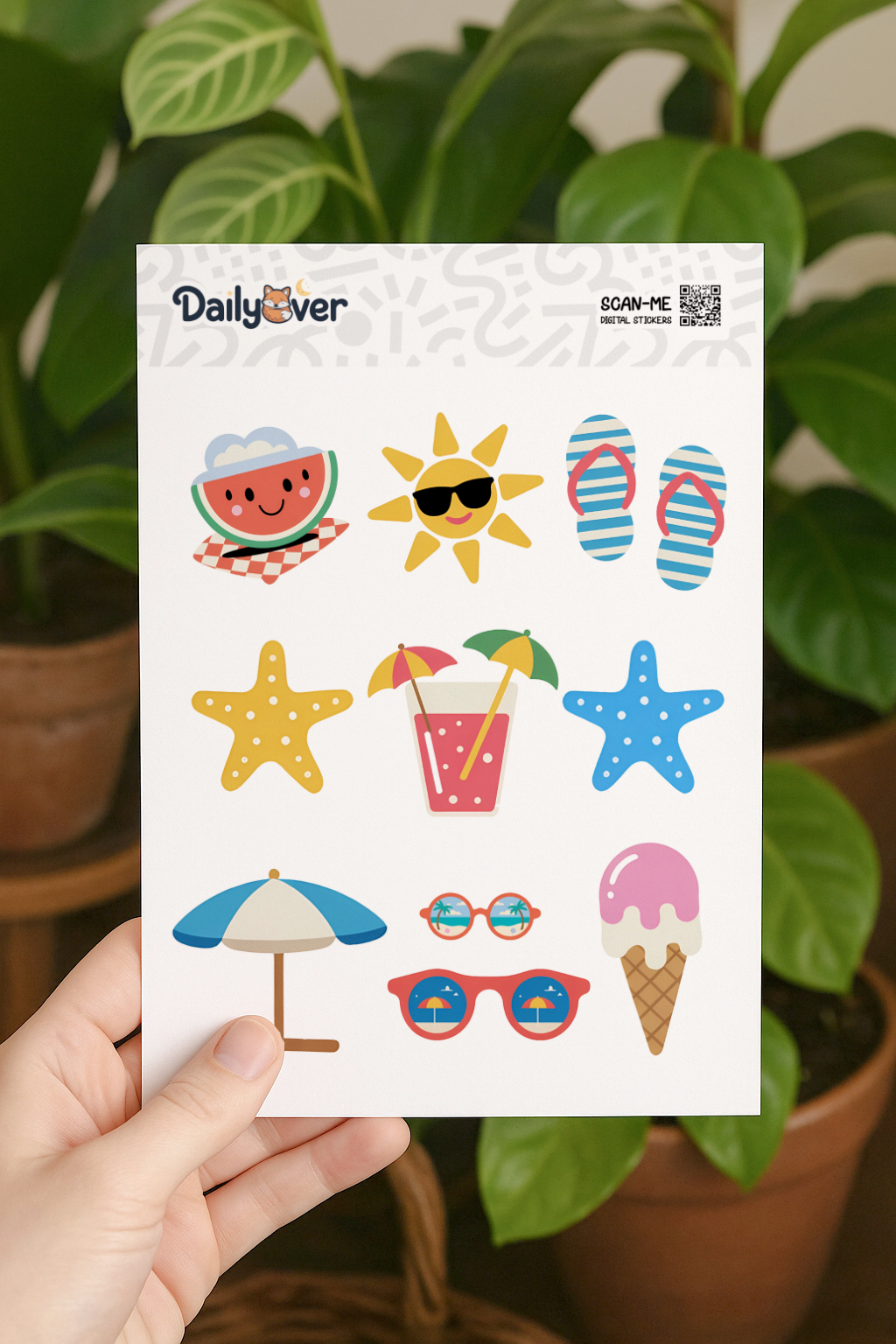
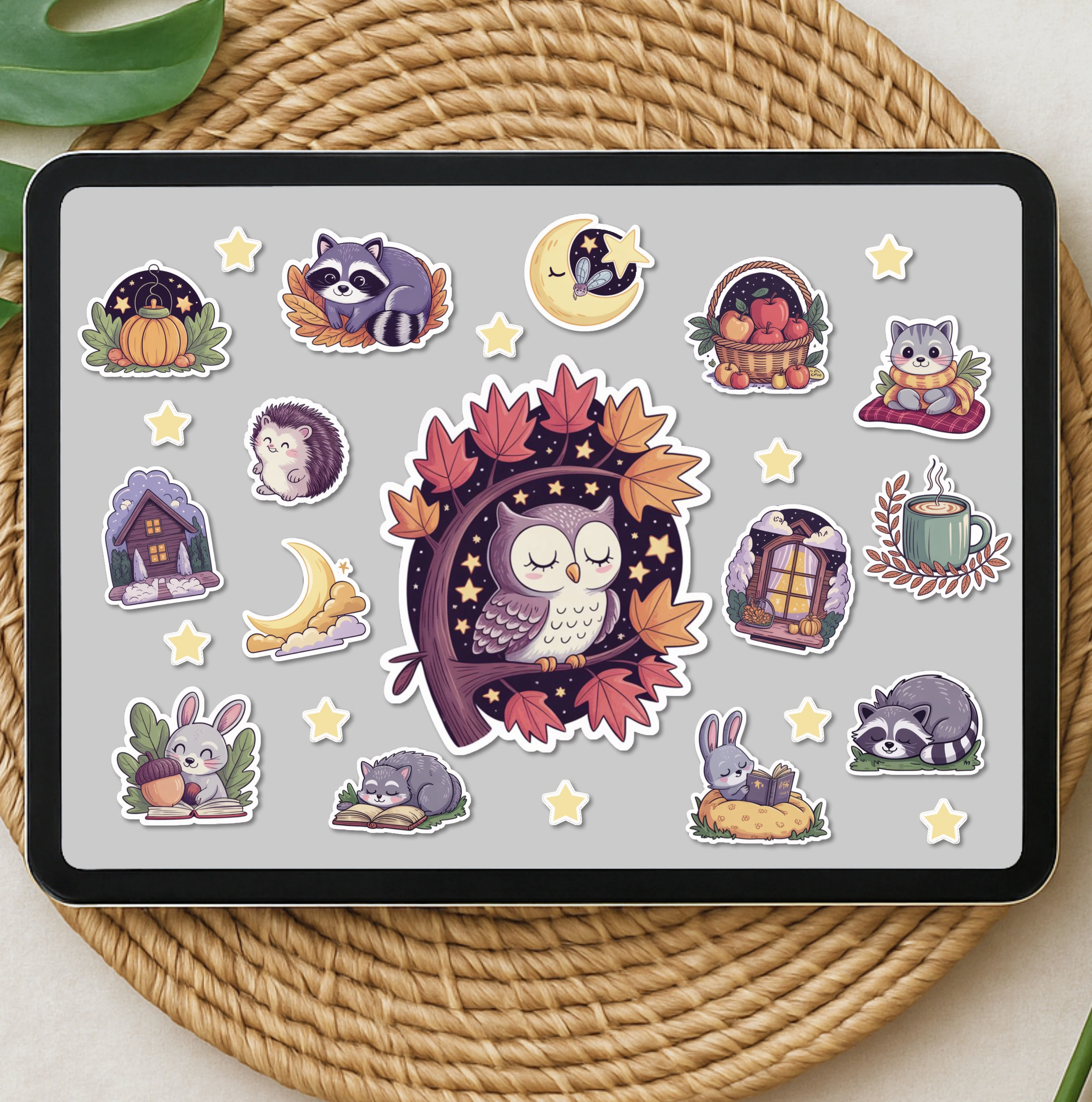
Adding Images
You can add images like this:
Adding Links
You can add external links or link to internal pages like our store.
Adding Product References
You can add product cards to your blog posts using our custom shortcode:
<div class="product-card">
  <img src="/images/products/product1.webp" alt="Product Name" />
  <h3>Product Name</h3>
  <p>Brief description of the product</p>
  <a href="/store/product-slug">View Product</a>
</div>
Lists
You can create ordered and unordered lists:
- First item
- Second item
- Third item
- Bullet point 1
- Bullet point 2
- Bullet point 3
Quotes
You can add quotes:
This is a blockquote. It’s great for highlighting important information or testimonials.
Code Blocks
You can add code blocks with syntax highlighting:
const greeting = "Hello, World!";
console.log(greeting);
Tables
You can create tables:
| Header 1 | Header 2 |
|---|---|
| Cell 1 | Cell 2 |
| Cell 3 | Cell 4 |
Remember to include relevant images, internal links to your products, and external references when needed!